Boating Etiquette: VHF Channels and Which Ones to Use for What

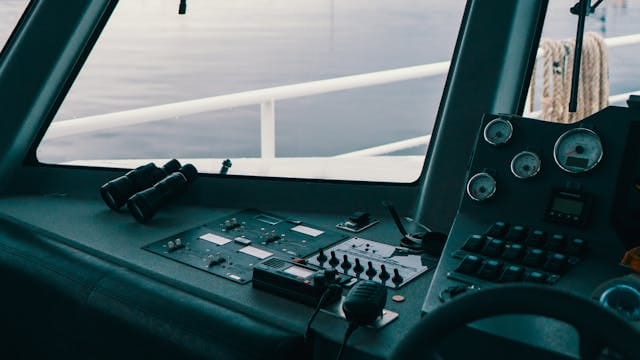
Clear and confident communication is one of the foundations of safe boating. A fixed-mount or handheld VHF marine radio is more than just a convenience, it’s a primary safety tool. Understanding which VHF channels to use (and when) ensures you comply with regulations, avoid interference and respond properly in emergencies.
Before you leave marinas or private boat slips for rent near me, you should always know how to communicate in the case of an emergency. Below is a practical guide to the most important VHF channels for recreational boaters in U.S. waters.
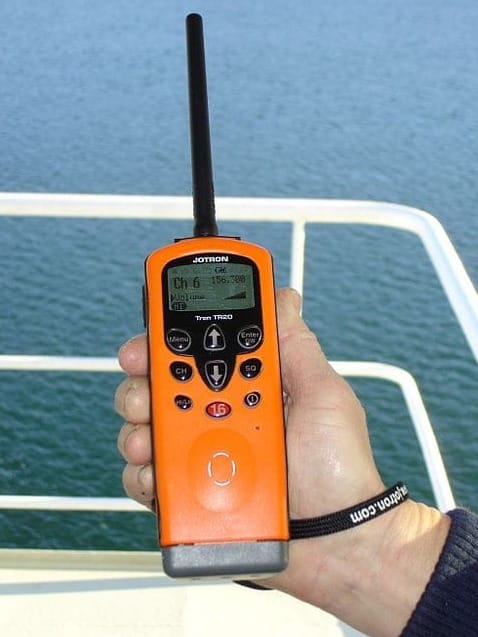
Why VHF Matters
Marine VHF (Very High Frequency) radios operate on internationally standardized channels. Unlike cell phones, VHF radios:
- Broadcast to all vessels within range
- Connect directly to the U.S. Coast Guard
- Function without cellular coverage
- Are monitored by commercial traffic and bridge operators
They’re designed for short-range maritime communication—typically line-of-sight, often 5–25 nautical miles depending on antenna height.
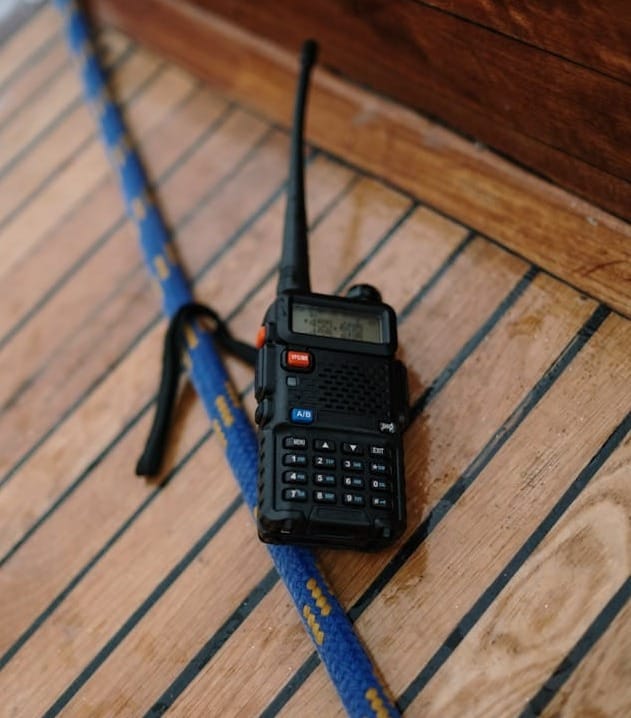
The Most Important VHF Channels for Boaters
1. Channel 16 — Distress, Safety & Calling
- Frequency: 156.800 MHz
- Channel 16 is the most critical channel on your radio.
Use it for:
- Distress calls (MAYDAY)
- Urgent calls (PAN-PAN)
- Safety alerts (SECURITÉ)
- Initial hailing of another vessel
- Contacting the Coast Guard
In the U.S., Channel 16 is monitored continuously by the United States Coast Guard.
Important: After hailing another vessel on Channel 16, immediately switch to a working channel to continue the conversation.
2. Channel 9 — Recreational Hailing Channel
- Frequency: 156.450 MHz
- Channel 9 helps reduce congestion on Channel 16.
In many U.S. areas, Channel 9 is designated as a non-commercial hailing channel for recreational vessels cruising out for the day from a marina or private boat dock rentals.
Use it for:
- Calling marinas
- Hailing other pleasure craft
- General, non-emergency communication setup
3. Channel 13 — Bridge-to-Bridge (Navigation Safety)
- Frequency: 156.650 MHz
Channel 13 is used for:
- Navigation safety communications
- Vessel passing arrangements
- Commercial ship coordination
Large commercial vessels often monitor Channel 13 in addition to Channel 16. Keep transmissions short and professional. This channel is not for casual chatting.
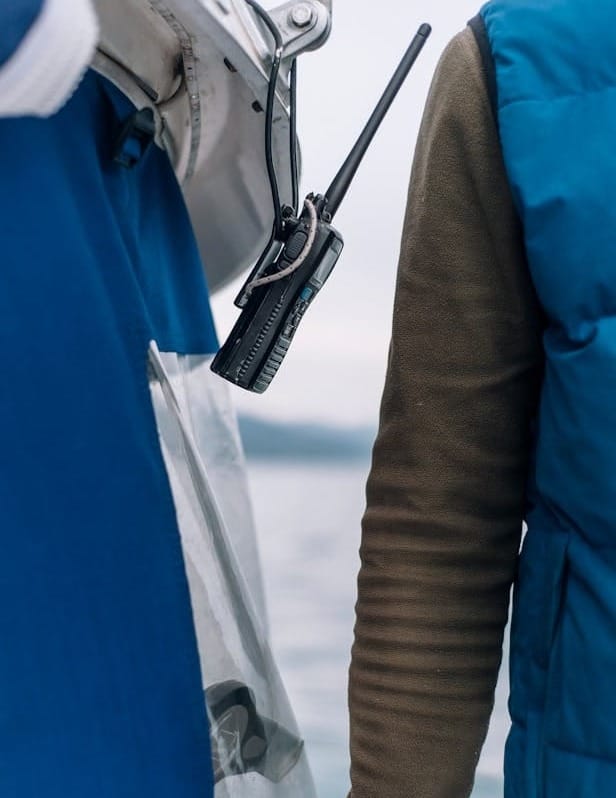
4. Channel 22A — Coast Guard Working Channel
- Frequency: 157.100 MHz
- Recreational boaters should not use 22A unless directed.
After making contact with the Coast Guard on Channel 16, you will typically be instructed to switch to Channel 22A.
Used for:
- Coast Guard information broadcasts
- Safety notices
- Follow-up emergency communication
5. Channel 68, 69, 71, 72, 78A — Common Working Channels
These are designated non-commercial working channels. Channel 72 is often popular among recreational boaters, but check local usage patterns.
Use them for:
- Docking coordination
- Talking to buddy boats
- Fishing fleet communication
- General recreational conversation
6. Channel 70 — Digital Selective Calling (DSC)
- Frequency: 156.525 MHz
- Channel 70 is reserved exclusively for Digital Selective Calling (DSC) and is not used for voice communication.
- DSC significantly improves response times during distress situations.
If your radio is connected to GPS and programmed with your MMSI number, you can:
- Send automated distress alerts
- Call specific vessels digitally
- Transmit your position instantly in emergencies
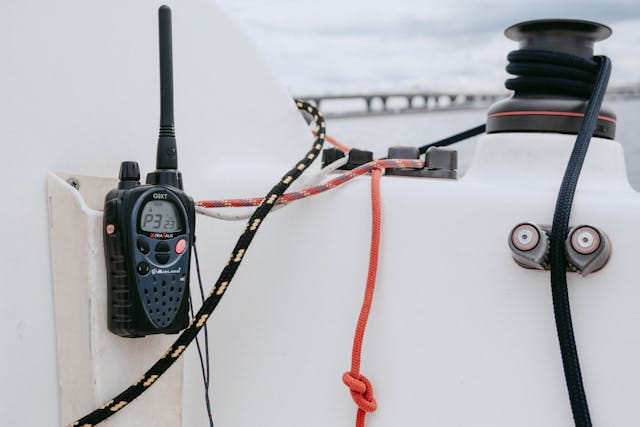
How to Make a Proper VHF Call
Routine Call
- Select Channel 9 or 16.
- Say the vessel name (three times).
- Identify yourself.
- Request a working channel.
Example:
“Sea Breeze, Sea Breeze, Sea Breeze, this is Windward on Channel 9, over.” Once acknowledged, switch immediately to a working channel.
MAYDAY Call (Distress)
- Switch to Channel 16.
- Press transmit and clearly say:
- “MAYDAY, MAYDAY, MAYDAY”
- Vessel name (three times)
- Position
- Nature of distress
- Number of persons onboard
Stay on Channel 16 unless directed otherwise.
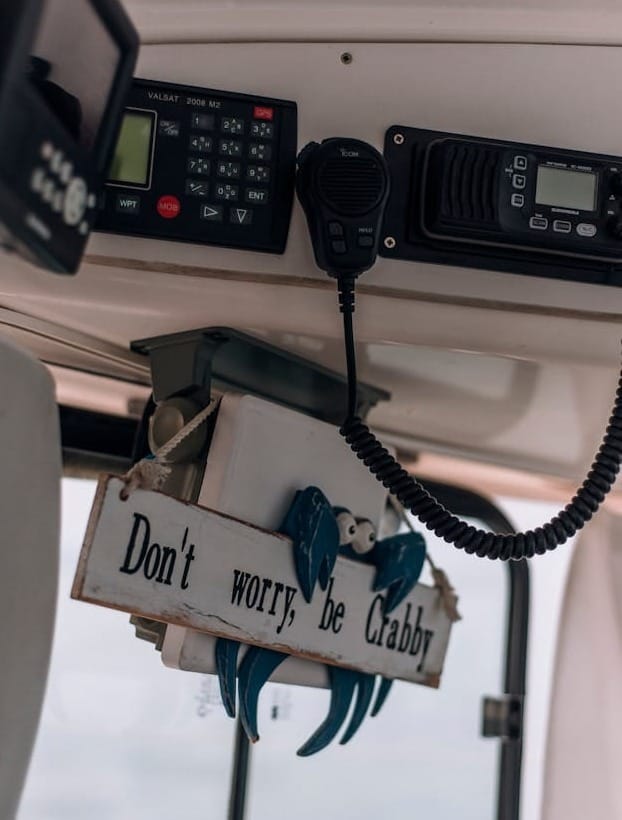
Channel Etiquette and Best Practices
- Keep transmissions short and clear.
- Never use profanity.
- Avoid music or unnecessary chatter.
- Wait for breaks in traffic before transmitting.
- Reduce radio power when communicating short distances.
- Remember: VHF is public and monitored.
Regional Differences Matter
Channel assignments can vary slightly outside the United States. In Canada, Europe and other regions, certain channels may be allocated differently.
If you cruise internationally—such as on European inland waterways or coastal passages like traveling from Florida to the Bahamas—always review local VHF regulations before departure.
A VHF radio is one of the most important pieces of safety equipment aboard your boat. Don’t leave your private boat slip rental, dock or marina without studying up on the channels. Knowing which channels to use—and when—keeps emergency frequencies clear, reduces confusion and ensures you can get help when you need it.
At minimum, every boater should:
- Monitor Channel 16
- Know how to issue a MAYDAY
- Understand how to switch to a working channel
- Program and test DSC capability